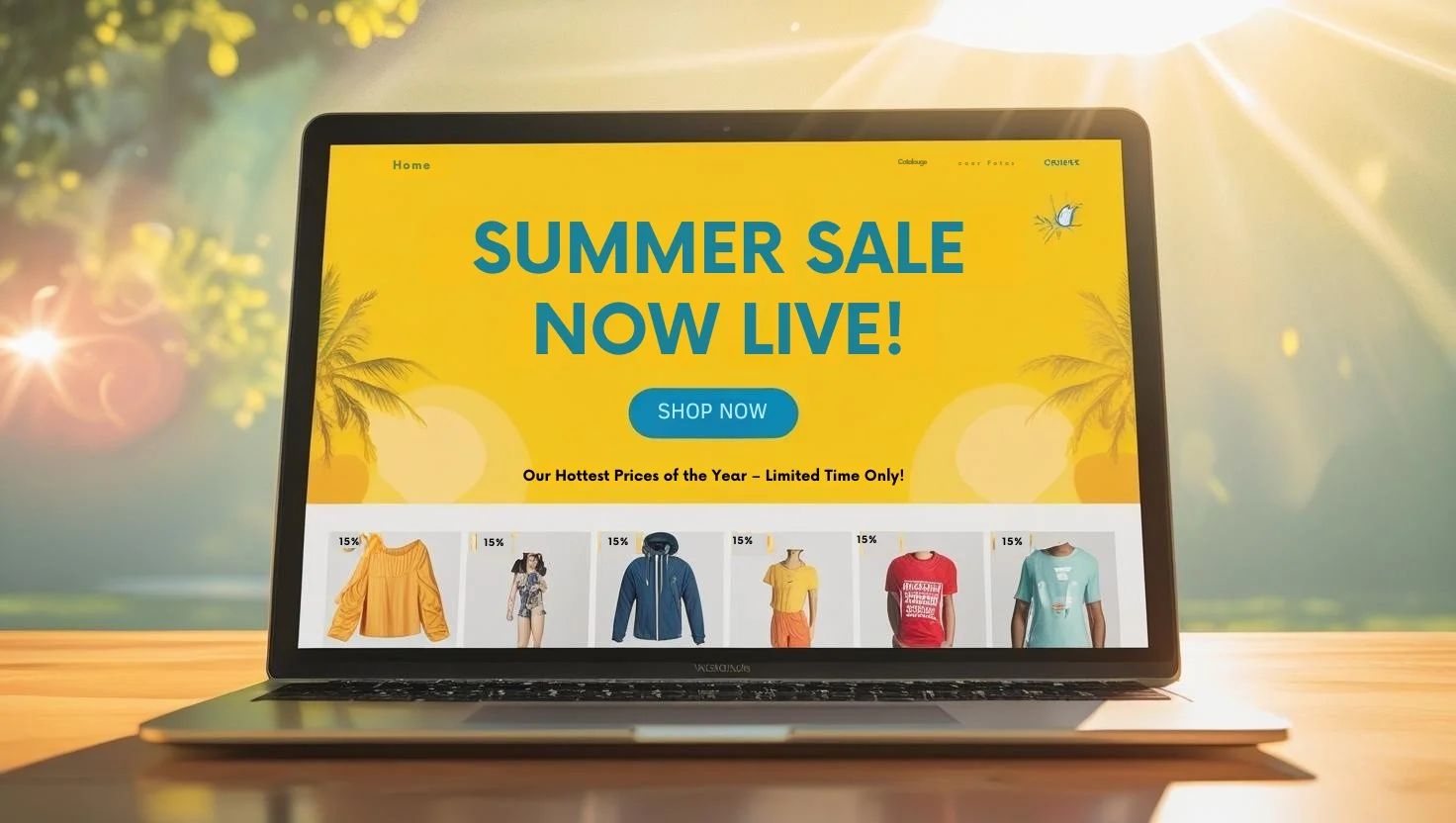
A strong Shopify summer sales event doesn’t start at launch. It starts way before. You need to check your site, test your code, and make sure everything works, especially on mobile. You need a solid summer sale preparation for this.
On launch day, every minute counts. A slow page or broken link can cost you sales. So plan.
Have your emails, texts, and ads ready to go. Get your team in place. Know who’s watching support, tracking sales, or fixing bugs.
Shoppers move fast. If something feels off, they’ll leave. They expect:
- Fast checkout
- Real-time updates (like timers or low-stock alerts)
- Social proof (what others are buying or saying)
Whether you’re offering Shopify flash sales or bundles, this is your moment to make it count.
This guide gives you the launch-day tactics for your summer sale – what to do, when to do it, and how to stay ready all day.
Table of Contents
Step#1 Pre-Launch Prep (Before 6 AM)
Start early. Don’t wait until things go live to find out something’s broken.
First, check your discounts and landing pages. Try them on both phone and desktop.
- Make sure the codes work.
- Add bundles to cart.
- Test variant pickers.
Go through checkout with Shop Pay, Apple Pay, and a regular card.
Check that your inventory is syncing in real time. You don’t want to sell what you don’t have. Make sure payments are going through without errors. If you can, test a traffic spike or use a CDN to see if your site holds up. Keep a backup code ready (like “SUMMER25ALT”) in case the main one fails.
Next, assign roles, even if it’s just you.
- Who’s handling customer messages?
- Who’s watching sales and site behavior?
- Who’s making fast calls if something breaks?
Write short replies for common issues like “the code isn’t working” or “this item’s sold out.”
Then, queue everything: email, SMS (with proper consent), push alerts, and social posts. Add tracking links for GA4, Meta, and TikTok.
By the time the sun’s up, you should be ready to go. Nothing left to guess.
Step#2 Morning Launch Blitz (6 AM – 10 AM)
The first few hours matter most. If something’s off, you’ll lose buyers fast. Start at 6 AM. Open your checklist. Fix anything broken before traffic picks up.
Check the basics – banners, sale bars, and discount codes at checkout. Also, make sure that bundles and sale prices are showing. You can use discount apps from the Shopify App Store to easily create a bundle discount.

Now update every link people might click – Instagram and Facebook bios, Linktree or your link hub, and Pinterest posts. Pin your stories.
At 9 AM, send out your main alerts. Start with your best customers.
- Email VIPs and repeat buyers with a clear subject: “20% Off Beach Towels Starts Now”
- Send a follow-up SMS or push that links straight to the sale
- Use short, clear language: “Ends Tonight” or “Today Only”
Also, turn on paid ads for warm audiences. These include cart abandoners, past buyers, and lookalikes. Keep your ad copy simple. Mention “Shopify summer sale” and “launch-day” so it’s clear what they’re clicking into.
Your homepage should lead with your best deal. Use one bold product image, a countdown timer, and a straight-up CTA like: Shop Now.
By 10 AM, your sale should be everywhere your customers are.
Step#3 Early Quality Checks + UX Fixes (10 AM – 12 PM)
Now’s your window to catch mistakes before things pick up. Grab your phone, turn on airplane mode, then switch back to cellular. Pretend you’re a shopper. Go through the site like you’ve never seen it before.
Check the basics:
- Are pages loading fast on mobile?
- Do sale prices show up right for every variant?
- Is checkout smooth with Apple Pay or Shop Pay?
Try bundles too. If anything looks off, like a wrong price or missing tag, fix it right away. If a page lags, clear the cache or pause extra scripts that aren’t essential.
Meanwhile, keep an eye on support tickets. If a bunch of people are saying the same thing, it’s probably real: “My code’s not working,” or “This item says sold out”.
Update your FAQ on the product page or add a quick banner at the top. Something like: “Low stock: only 7 left!”
This mid-morning check isn’t busywork. It helps keep your sale running smoothly and keeps people from bouncing out of frustration. Get it right now, and the rest of the day runs more easily.
Step#4 Midday Momentum (12 PM – 4 PM)
By noon, you’ll want to shake things up a bit. Post a quick Reel or go live on Instagram. Show what’s selling fast. Open a box. Try something on. Talk to your audience like they’re friends. It doesn’t have to be polished, just real.
Drop a short-term code during the live like: “Use LIVE10 for 10% off: only good for the next hour.”
This gets people to buy while they’re watching. You’ll also get a bump in reach because of the live activity.
Next, watch for customer tags. Repost the best ones to Stories and save them in a “Summer Sale” highlight. Seeing real people buy your stuff builds trust and gives you free content to reuse.
At 1 PM, send a quick update to your list. Something like:
- “We’re down to the last 30 swim trunks.”
- “Only 36 hours left to shop.”
Keep it short and clear. Numbers work better than drama.
Also, don’t lose the folks who almost bought it. If someone leaves their cart, follow up in 30 minutes. A quick nudge helps:
- “Still thinking it over? We saved your cart.”
- “Free shipping if you finish now.”
By 4 PM, you’ll have new traffic, new energy, and more chances to convert.
Step#5 Real-Time Optimization (All Day)
Once the sales live, your job’s not done. You need to keep watch all launch day. Open Shopify Live View, GA4, Hotjar, or FullStory. These tools show what’s working and what’s not. If sales slow or bounce rates spike, dig in. Find the issue fast. If a product isn’t selling, try swapping the image, headline, or add a flash deal to move it.
Keep an eye on what customers are saying in chats, DMs, and comments. If people are confused about discounts or sizing, update your FAQ right away. It’ll save your support team time and keep buyers from leaving.
Ask your influencer partners to post at noon and again around 7 PM. Give them fresh UGC and copy they can reuse. If your average order size drops, try this:
- Offer “Spend $100, get $25 off”
- Push volume deals like “Buy 2, get 10% off” or “Buy 5, get 15% off”
Make sure someone on your team has the green light to launch these offers fast. Real-time tweaks like these can turn a slow afternoon into your best hour.
Step#6 Final Push + Conversion Boosters (5 PM – 11 PM)
Evening shoppers often convert fast. You’ve got a small window, use it well. Around 5 PM, send a last-chance email and SMS. Keep it simple: “4 Hours Left. These 3 Summer Bestsellers Are Flying.” Add product photos, a clean CTA, and a countdown.
Update your social Stories with low-stock alerts and countdown stickers. Run retargeting ads using items shoppers already looked at, but now with a timer overlay.
On your site, tweak the cart experience. Add a “You might also like” section with matching products or bundles, discounted 20–30%. Highlight bundle offers on product and collection pages too. These little nudges boost AOV without needing deep discounts.
Keep your support crew available through the night. Answer chats, reply to comments, and fix any bugs ASAP. A smooth checkout at 10:45 PM might be the one that hits your daily revenue goal.
This stretch isn’t just about squeezing out a few more orders. It’s about ending the day strong with shoppers who’ll come back again next time.
Step#7 Post-Sale Reset + Day 2 Prep (After 11 PM)
Once it hits 11 PM, shift into review mode. Grab whoever’s still on and do a quick check-in. What sold out? What glitched? What worked better than expected?
Then pull key reports:
- Traffic sources
- AOV and conversion by device
- Top exit pages
- Support tickets and DMs
Fix anything broken, like mismatched pricing, missing images, or wrong product tags. Update copy and restock bestsellers if possible. These fixes help your Day 2 run smoother.
Next, prep your “Extended Sale” email. Schedule it for 12:30 AM. Make it casual and clear: “Missed Day 1? You’ve Got One More Shot.” Use a mix of UGC, last-call language, and low-stock warnings. Set your new countdown timers so urgency stays high.
Before logging off, queue up social posts and early ads. You’ll want Day 2 to start moving before you even wake up.
The day after your launch isn’t just cleanup. It’s a chance to keep the sales rolling. If you act fast and stay honest with your messaging, Day 2 can feel just as exciting and profitable.
Launch-Day Tactics for Your Summer Sale: Must-Do All Day
Some tasks aren’t optional on launch day. These are the ones you run on a loop.
Urgency matters. Without it, people scroll, leave, and forget.
- Use timers everywhere – homepage, product pages, emails
- Show “Only X left” if inventory is tight
- Add live “Just bought” pings near the CTA
- Send flash alerts via push and SMS
Make sure it always feels like time’s almost up.
Checkout needs to be stupid simple. Don’t make shoppers think.
- Auto-apply the best deal in cart
- Push Shop Pay, Apple Pay, or PayPal above the fold
- Kill any extra steps or fields
From cart to confirmation should take less than 30 seconds. That’s your benchmark.
And someone has to stay on watch. Not to report later, fix it live.
Your war room lead should act fast:
- AOV drops? Trigger your “Spend $100, get $25 off” plan
- Mobile bounce rate jumps? Strip your mobile PDPs to the basics
They watch the numbers so you can stay ahead of them.
Conclusion & Next Step!
A great summer sales event doesn’t run itself. You’ve got to prep, stay alert, and adjust fast.
From early checks before sunrise to last-minute pushes before midnight. Each step helps keep your sale moving. It’s not about being perfect. It’s about staying ready to fix, update, and respond as things unfold.
And when launch day wraps, don’t shut it down just yet. Look at what worked, fix what didn’t, and line up your Day 2 game plan.
Here’s the key:
- Keep your team tight
- Watch your numbers
- Move when things slip
- Push when momentum’s strong
Follow the playbook, tweak it to fit your shop, and make this sale count for today.
And if you’re wondering what comes next after the rush of launch day, you’re not alone. Getting shoppers through the door is one thing; keeping them around all year is another.
Next up: How to Turn Summer Shoppers into Year-Round Fans.
In our next post, we’ll dig into how to keep your new customers engaged long after the sale ends. Think smart follow-ups, loyalty perks, and content that sticks. Because a great launch day is just the start. The real win? Turning that summer buzz into long-term growth. Stay tuned!
Launch-Day Tactics For Your Summer Sales Event: FAQs
What’s the best way to build urgency on launch-day?
Urgency works best when it’s visible and constant, but not overwhelming. Add countdown timers on your homepage, banners, and emails. If a product is running low, don’t be shy to say “Only 5 left” or “Selling Fast.” Use real-time notifications for recent purchases if you can. The key is to keep reminding people that time and inventory are moving fast, so they don’t wait and forget.
How can I recover abandoned carts during a high-traffic sale?
Timing matters here. Set your cart recovery emails or SMS to trigger within 30 minutes of someone leaving. Don’t wait a few hours. The message should be short and clear, maybe even a little playful, like “Looks like you forgot something.” If you can, offer a small incentive like free shipping or a freebie to pull them back. But keep it simple. No one wants to read a long message when they’ve already left.
Should I use live videos or reels on launch-day? When and how?
Yes! Especially around noon or early evening, when people scroll the most. Go live to show off products, do an unboxing, or just give behind-the-scenes updates. Reels work great too, especially with a flash code like “LIVE10” that viewers can use right away. It doesn’t have to be perfect. The more real it feels, the more people trust you and want to buy. What matters most is timing and making it feel like something they’re part of, not just watching.
How can I optimize average order value if it starts to drop mid-sale?
Watch your numbers closely, and if you notice smaller orders rolling in, act fast. You can set up a quick deal like “Spend $100, get $25 off,” or remind customers about volume discounts (“Buy 2, save 10%”). Sometimes, even calling out bundle offers in the cart or suggesting a matching product can nudge someone to spend more. It helps to keep a few of these tactics on standby so your team can turn them on without slowing things down.

This article was reviewed by the DiscountRay Technical Support Team, who regularly helps Shopify merchants test discount setup, customer eligibility, cart behavior, and checkout-related discount issues.