Elevate your Shopify store’s performance with DiscountRay, the ultimate app designed to boost sales and customer loyalty effortlessly. With advanced discount tools, this app empowers you to craft tailored offers that fit your business strategy. Whether you’re looking to set up variant-specific discounts, tiered or volume pricing, or dynamic cart-based pricing, DiscountRay ensures a seamless experience. Take control of your promotions, attract more customers, and maximize your revenue, all with just a few clicks!
One of the best Shopify discount apps is DiscountRay. There are several reasons why it’s the best one for offering discounts on eCommerce platforms like Shopify.
By using the quantity or volume discount feature, you can easily apply discounts per variant to encourage large-quantity purchases, thus increasing your sales.
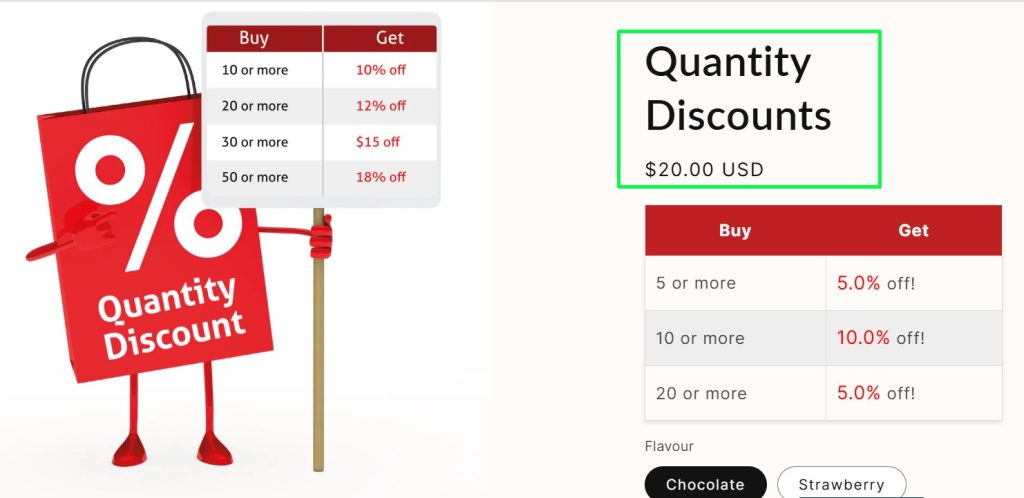
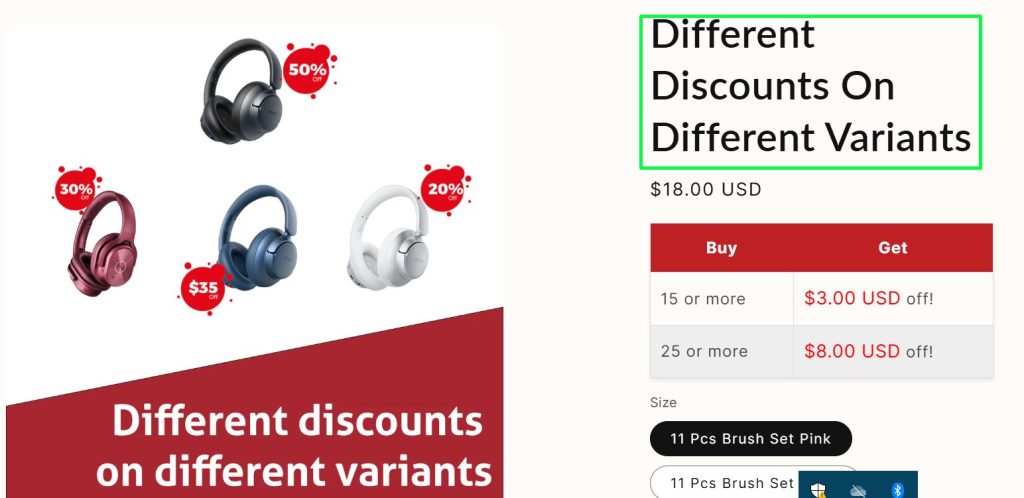
You can set discounts differently for specific products, tags, customers, types of products, or collections using this feature.
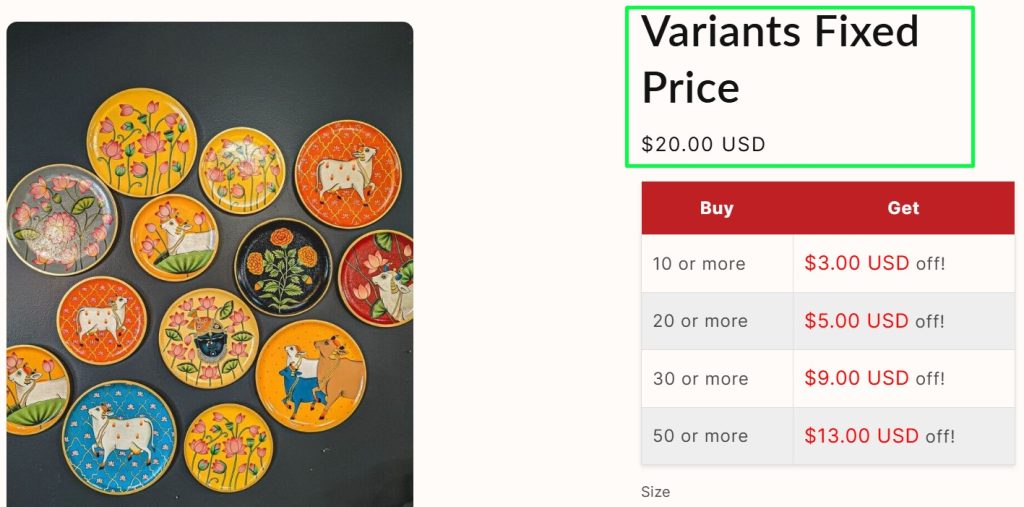
With the variants fixed price, you can manually set quantity-based discounted prices for each variant to match different order sizes. You can apply individual discounts by using this feature.
Bundle discounts let merchants give automatic discounts when customers buy selected products together. They can set bundle rules like “Buy any 3 items and get 10% off” or use tiered offers where bigger bundles get bigger savings. It helps increase sales, move more products, and raise the average order value.
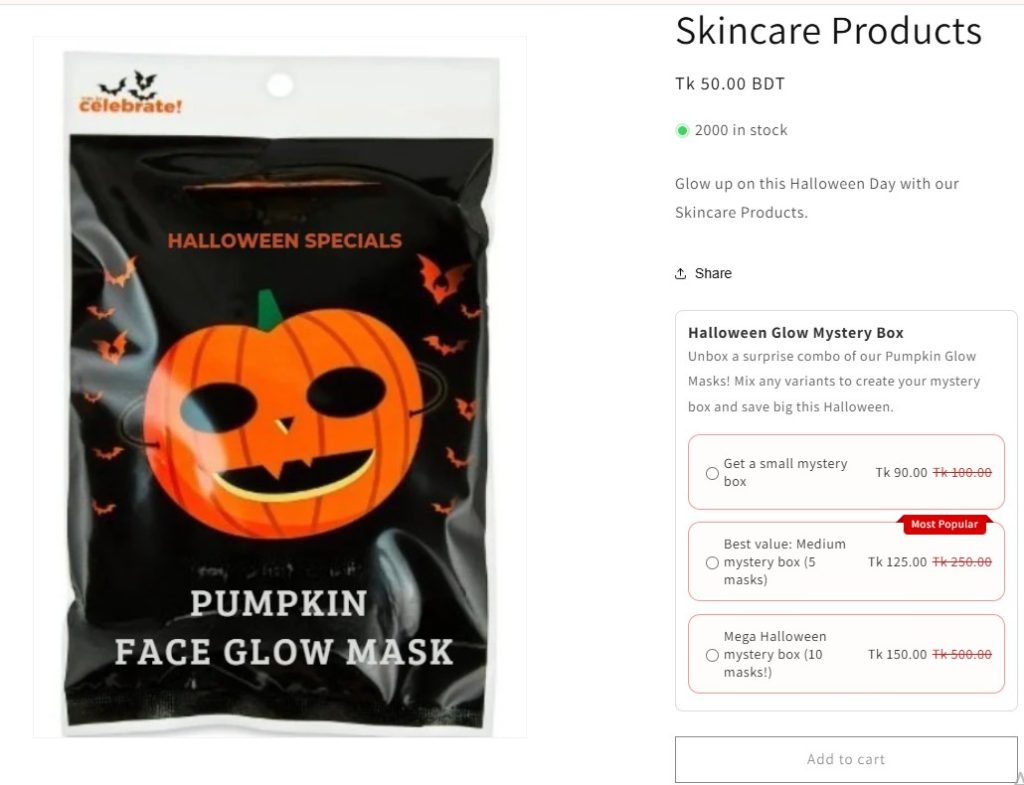
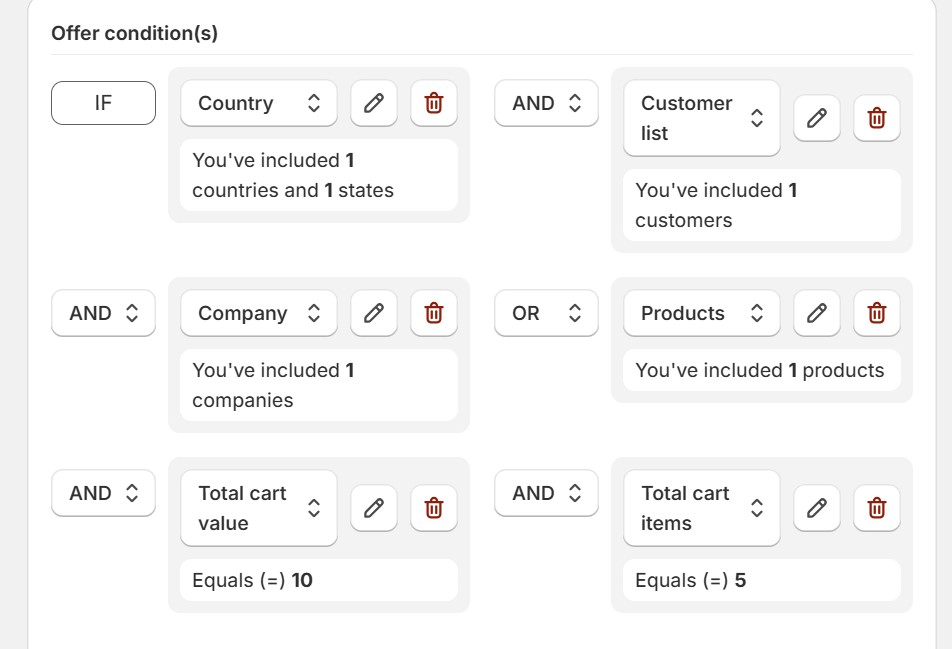
Personalized discounts let merchants create special discounts for specific customers or groups. They can set detailed conditions using filters like customer tags, country, products, cart value, or order quantity. For example, a merchant can give 10% off to VIP customers in the US who buy over $200. It helps stores reward loyal buyers, target the right audience, and run smarter promotions automatically.
Scheduling discounts is one of the most useful tools for Shopify merchants. You can save time by scheduling your discounts at your preferred time for special days, occasions, etc.

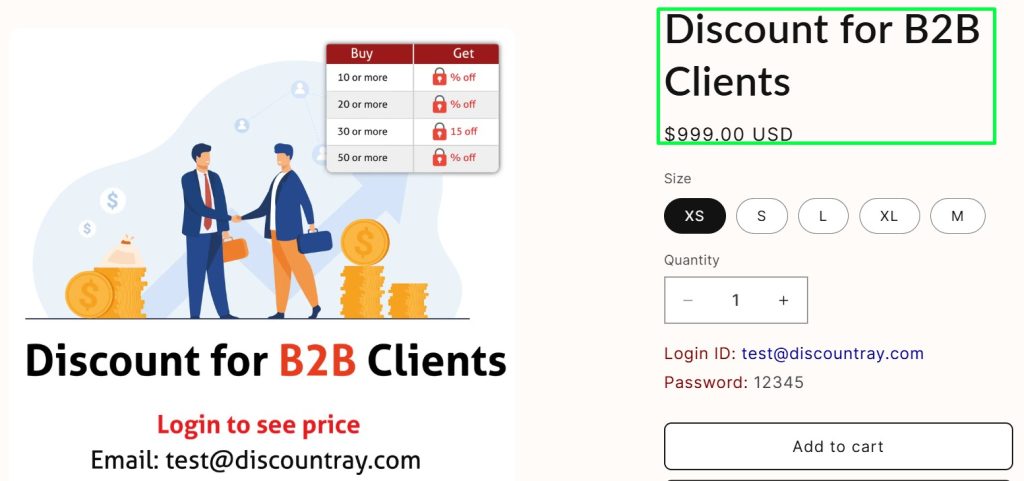
You can restrict discounts only to B2B customers. The discount can be assigned by Customer tag or Specific customers. Targeting the loyal customers is now one click away.
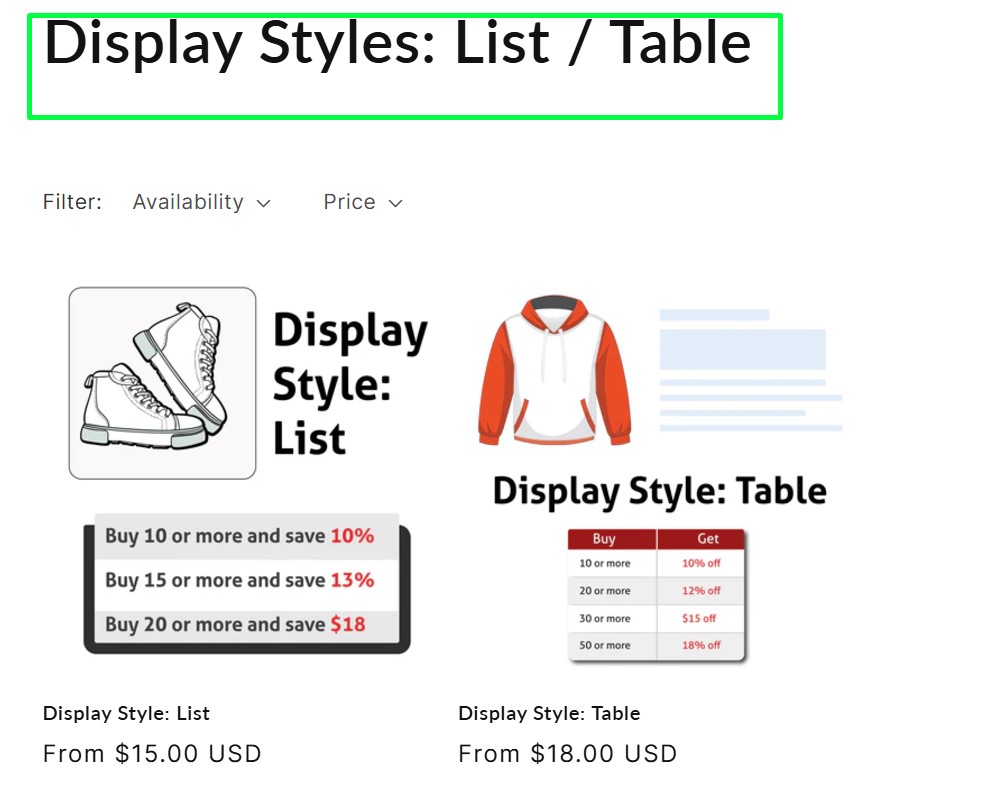
Customize your store view as per your taste. You can choose the product view from our display style feature, list, or table view—whatever suits your store most.
DiscountRay simplifies the complexities of discount pricing in Shopify, offering an automated, all-in-one solution to boost sales and average order value (AOV). Ideal for developing entrepreneurs and established businesses, it helps you streamline B2B pricing and discount strategies without the hassle of scattered solutions.
Perfect for new businesses, the always-free plan equips you with essential tools to start implementing effective discount strategies.
For advanced tools tailored to grow your sales and AOV, the premium plan offers robust features.
Free 14-Day Premium Trial: Test all advanced features without commitment.
30-Day Money-Back Guarantee: Risk-free satisfaction.
Whether you’re a start-up or scaling your business, DiscountRay ensures seamless discount pricing management and a better shopping experience for your customers.
To make your task easier, we’ve got our how-to setup tutorial video.
DiscountRay stands out as an essential app for Shopify merchants aiming to simplify and optimize their discount strategies. It gives store owners the flexibility to serve different customer preferences by offering multiple features like automatic discounts, tiered pricing, variant fixed prices, etc. It helps Shopify owners increase average order value and boost sales. Its flexibility to adapt to small and large businesses alike, along with user-friendly tools and analytics, makes it a powerful solution for achieving long-term Shopify success.
To get the price class, follow the given steps:
-Go to your product page.
-Point your cursor over the price under the product title.
-Click on the right button of your mouse.
-Now, select inspect
-The developer tool will be open with the class selected.
-Now copy the class.
Variants Fixed Price lets you set the same or different discounted prices for different variants of a product. In addition, instead of calculating percentages, you simply assign a discounted selling price to each variant.
How It Works:
For example, you have a product with five variants, each originally priced at $8000. Using Variants Fixed Price, you can assign different discounted prices to each variant, like $7500, $6808, $6633, $5487, or $7999.
This way, you can offer different discounts for different variants. Also, you can change the price based on the Quantity range.
The video thumbnail is visible when you go to the “Create New” Page. The video is there to help you understand the process of creating a discount set. If you check at the bottom of the video panel, you will see an option “Don’t display again”. Simply click on it, and the video will disappear permanently.
With DiscountRay, when you apply a discount to all products, specific collections, specific tags, specific vendors, or specific types, you’ll see an option called “Exclude Product Tags.”
How It Works:
The “Exclude Product Tags” feature in DiscountRay allows merchants to exclude specific products from discounts by using tags. When setting up a discount using all products, collections, tags, vendors, or types, you can still exclude some of the products that come under the same collection or have the same tags, vendors, or types.
To add translation,
-Go to the DiscountRay dashboard.
-Click on “App Settings”
-On this page, you will see the default language visible in the top right corner.
-Click on the drop-down menu
-Choose your preferred language.
-Now, add the texts in your language.
-Now save the changes.
Get started with our free plan or unlock premium features with a 14-day free trial.
30-day money-back guarantee!



 English
  日本語
日本語  Français
  Deutsch
  Español
  简体中文
简体中文  Italiano