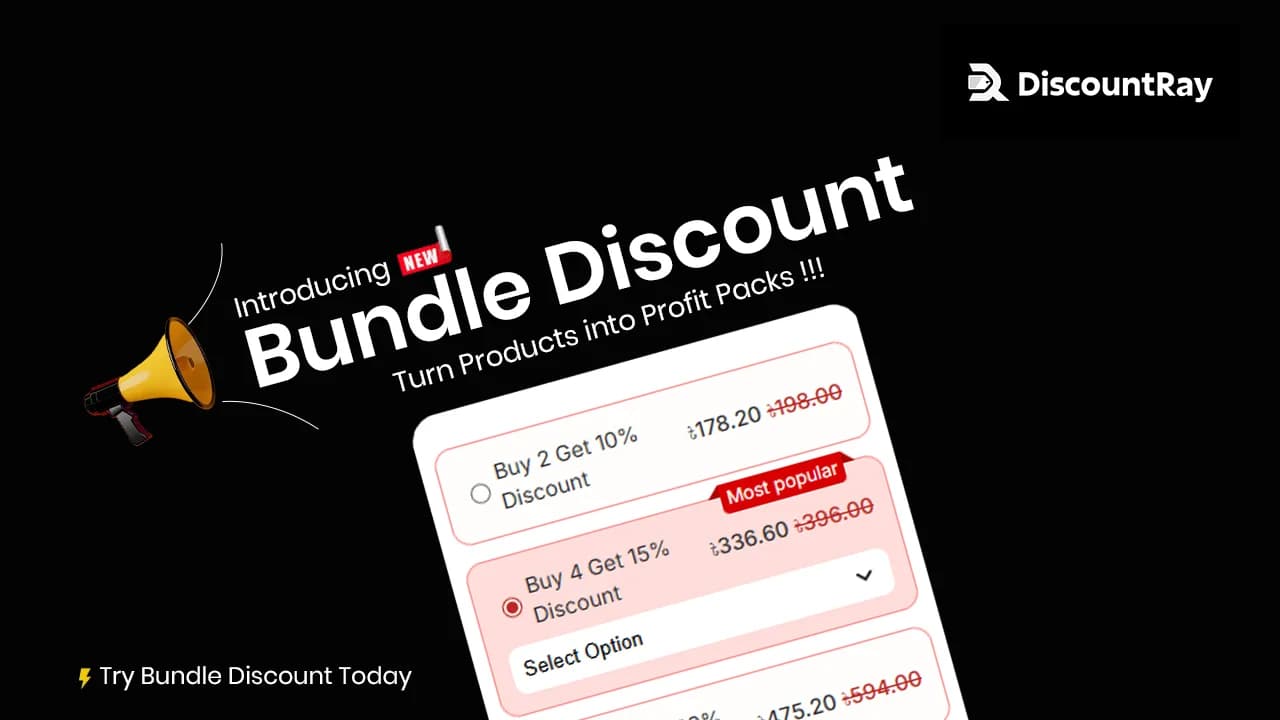
Looking for an easier way to offer bundle deals?
Shopify doesn’t make it simple to give discounts when customers mix and match product variants. And most apps out there? Too rigid. Too clunky.
That’s why we built the “Bundle Discount” feature in DiscountRay.
Let shoppers pick different variants and get a discount based on how many they choose. The more they buy, the bigger the savings. It’s quick to set up, flexible, and built to help you sell more, without the hassle.
If you want to boost order value, move more stock, or offer bulk deals without friction, this is the feature you’ve been waiting for.
Table of Contents
The Problem DiscountRay Bundle Discount Solves
We know how frustrating it can be when the tools just don’t keep up with what your store needs. Here are the common roadblocks we’ve heard from merchants like you:
In Most Other Apps, Quantity Selection Is A Hassle
Say your customer wants 20 t-shirts, 10 red and 10 blue. Instead of picking 10 red at once, they have to click and select red 10 separate times. Same with the blue ones.
That’s 20 clicks just to buy 20 t-shirts.
It’s slow, messy, and frustrating. Most customers don’t have that kind of patience. Some leave the store halfway. For bulk orders, this just doesn’t work.

One-Variant-at-a-Time Checkout is Hurting Sales
Customers don’t want to add each variant (like size or color) one by one. It’s slow, clunky, and leads to drop-offs.
No Support For Mix-And-Match Discounts
Shopify doesn’t let you apply discounts when customers bundle different variants of the same product. That’s a missed opportunity to increase AOV.
Limited Discount Flexibility
Most apps only let you give a percentage or fixed discount. But what if you want $100 off the whole bundle? Or $10 off each item? You can’t do that. You’re stuck with limited options that don’t always fit your pricing or profit goals.
Tired of these limitations? See how DiscountRay solves them.
The Fix You’ve Been Waiting For
We heard you. And we built the fix!
Let’s say a customer wants to buy 10 red t-shirts and 10 blue ones. With this bundle setup, they can just choose each variant once, enter how many they want, and move on. Super simple. Everything stays clean and easy to understand, even for bulk orders.
You also get full control over how the discount works. Want to offer a percent off? You can. Want to take $10 off each item or $100 off the full bundle? You can do that too.
And yes, you can finally offer discounts when shoppers mix and match different variants! Like 2 smalls and 3 larges of the same hoodie. The discount still kicks in. No weird workarounds needed. This bundle discount strategy can boost your sales with less effort.
Now, customers can bundle multiple variants in one go. It’s quick, smooth, and feels natural. No more hopping back and forth to add products. If you want, you can add options to buy either single variant or multiple variants in a bundle.
What Else You Can Do
- Set up tiered discounts like “Buy 3, get 10% off” or “Buy 6, get 15% off”
- Add a “Most Popular” tag to nudge customers toward certain options
- Choose whether to show or hide the default variant/quantity fields
- Apply bundles to specific products, collections, or customer groups
- Pick your layout style (horizontal or vertical)
- Customize fonts, colors, and even add your own CS
- Schedule bundles to start and end on certain dates
- Preview everything before it goes live
- It’s flexible, fast to set up, and built to fit your store—not the other way around.
Why You Will Love Our New Feature
Let’s face it. Offering bundle deals should be easy. But most tools make it way more complicated than it needs to be. This update to DiscountRay makes shopping simpler for your customers and helps you sell more without extra work.
No more “one-at-a-time” headaches
Shoppers can select multiple variants (like sizes or colors) in one go, without repeating clicks. It’s quick, smooth, and better for conversions.
Encourages bigger orders without extra effort
Tiered discounts (like “Buy 4, get 15% off”) gently nudge customers to add more—boosting AOV without aggressive upselling.
No rigid pricing limits
Go beyond fixed or percentage discounts. Offer $ off the total bundle or even per item—whatever fits your pricing model best.
You stay in control
Show bundles to everyone, or only to tagged customers (VIPs, wholesale, etc.). No need for duplicate products.
Custom look, clean setup
Pick your layout, colors, and fonts so it fits right in with your store. And you can schedule bundles ahead of time—perfect for launches or promos.
How to Setup Bundle Discount in DiscountRay
Ready to launch your first bundle?
Setting it up in DiscountRay is super simple. We’ll walk you through each step. Whether you’re creating a small pack of variants or a full bundle with multiple tiers, just follow along and you’ll be up and running in minutes.
Let’s dive in!
- Launch Your First Bundle
- Bundle Title And Product Selection
- Set Your Pricing
- Customize The Look
- Activate or Schedule
- Set Access Rule
- Customize Theme
Step#01 Launch Your First Bundle
From your Shopify store, open the DiscountRay dashboard and click “Create New ➡ Bundle Discount” to get started.

Step#02 Bundle Title & Product Selection
Give your bundle a title that customers will see on the product page, in their cart, and at checkout. Make it clear and match it to the products. Then, add a short description (max 150 characters).
Next, choose which products the bundle applies to.

Step#03 Set Your Pricing Tiers
Add the quantity steps and discounts you want to offer. You’ll also see a box to write a short help text for each offer.
In the next column, you can set your discount type. You’ll have three options.
- Percentage Discount
- Discount on Total
- Discount Per Unit
You can also offer different discount types for different tiers.

Example:
Tier 1: Buy 5, get 10% off
Tier 2: Buy 10, get 12% off
You can apply discounts in two ways:
Fixed Quantity
Customers must buy exactly that number. (Example: Buy exactly 5 to get 10% off.)
Quantity Range
Customers get the discount within a range. Example: Buy 5–9 to get 10% off, buy 10 or more to get 12%.) If someone chooses 10 from Tier 1, they’ll automatically get Tier 2’s discount.

You can highlight any offer by adding a “Most Popular” tag to it. This helps draw attention to the deal you want customers to notice first.

Step#04 Customize the Look
Select the layout style you want to use for your bundle discount. This design will appear on your product pages.

Step#05 Activate or Schedule
Choose when the discount should be active. You can schedule it ahead of time.

Step#06 Set Access Rules
Choose who can access this bundle discount:
All Customers – Available to everyone.
Customer Tag – Show only to customers with specific tags (e.g., wholesale, VIP).
Specific Customers – Manually select individual customers.

Step#07 Customize Theme
Customize the appearance of the offer table to better suit your customers. You can also add custom CSS here. Now, review everything. If you’re okay with it, save and view live.

This Is What Shoppers Will See
Here’s a quick look at how the bundle discount will show up on your product page.
In this example, we’ve hidden the default variant and quantity fields. So the only way to buy it is through the bundle. Your customer can select different variants (like sizes or colors) and add them to their cart all at once.

See how the Quantity Range works? Even after choosing 7 variants, the discount is still applied automatically based on your tier settings.

You can pick how this bundle block looks on your page:
Horizontal layout: great for a wide, clean look.

Vertical layout: perfect for stacking options neatly.

Want to show the original variant and quantity fields too? You can! Leave them visible if you want to let shoppers buy items individually as well.

Ready to boost sales with smarter bundles? Add DiscountRay from the Shopify App Store and start in minutes!
Conclusion
With the brand new DiscountRay Bundle Discount feature, customers can build their own bundles using different product variants. You can set tiered discounts to reward them for buying more. It’s perfect for increasing average order value without adding complexity. You stay in control of how bundles look, who sees them, and when they go live. Everything’s flexible, no-code, and built to blend into your store.
Whether you’re selling in bulk, offering curated sets, or just giving customers more choice, this feature helps you do it faster and smarter.
Need a hand setting it up? We’re just a message away.
DiscountRay Bundle Discount FAQ
How is This Different From Shopify’s Default Option?
Shopify’s default discounts are pretty limited. You can’t apply discounts when customers mix and match different variants of the same product. With the DiscountRay discount, you can offer flexible, tiered discounts based on total quantity, even if shoppers pick different colors, sizes, or styles.
Do I Need to Create New Products For Bundles?
Nope, no extra products needed! The bundle discount is applied directly on the existing product page. That means less clutter in your admin and no duplicate listings for customers to get confused about. Everything runs smoothly within the original product setup.
Will it Match My Store’s Branding?
Yes! You can customize almost everything – layout style, background color, fonts, button text, and more. Whether you prefer a clean, minimal look or something more colorful, our bundle discount feature blends right in with your theme. You can even use your own CSS if you want full control.
Does it Work With All Shopify Theme?
It works with most modern Shopify themes out of the box. And if anything looks off, our support team is happy to help you adjust it.
This article was reviewed by the DiscountRay Technical Support Team, who regularly helps Shopify merchants test discount setup, customer eligibility, cart behavior, and checkout-related discount issues.