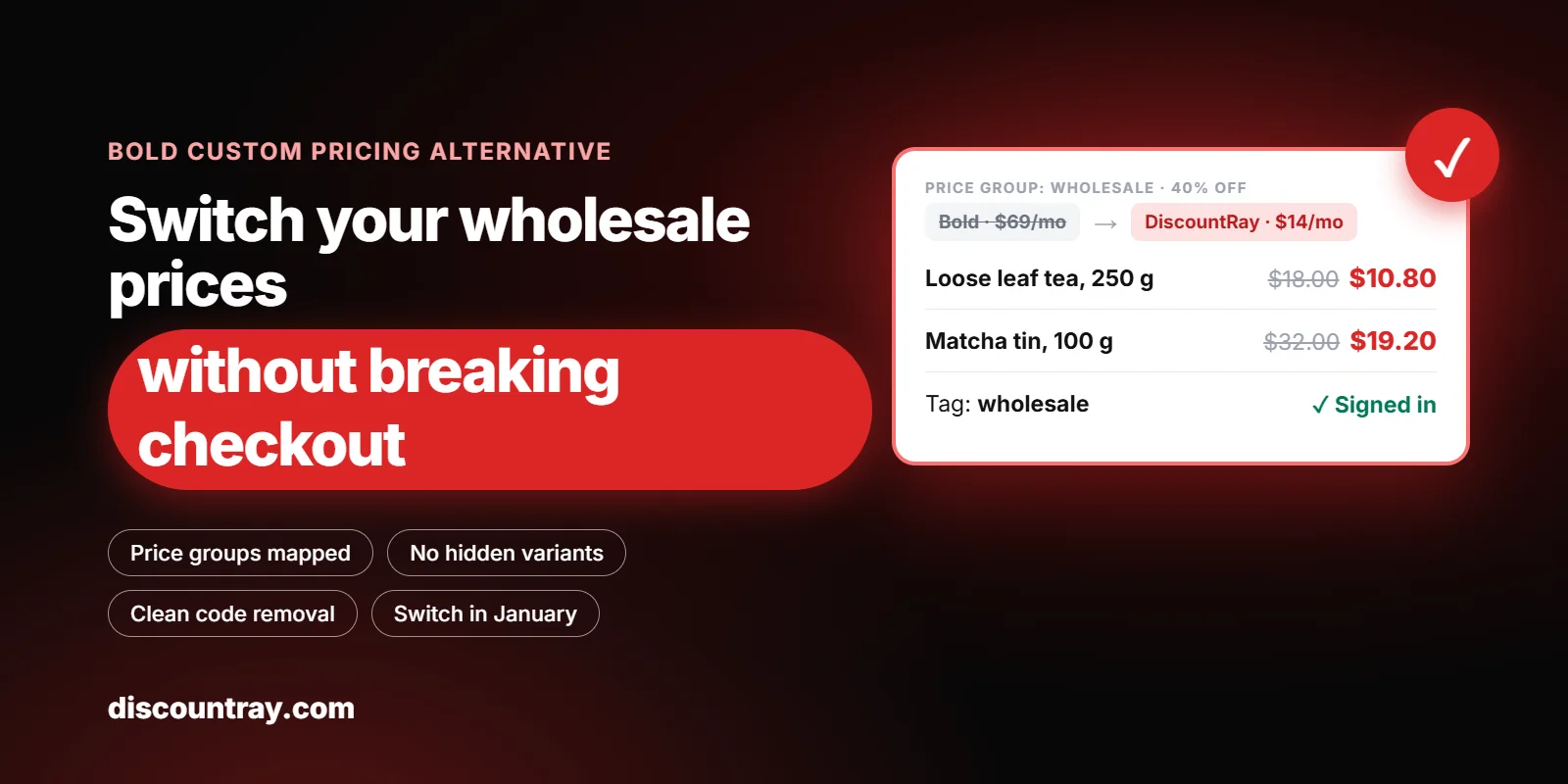
The best Bold Custom Pricing alternative depends on how you price: Shopify’s free B2B works for up to 3 company-based price lists, and DiscountRay ($0 to $29 a month) fits tag-based groups, customer lists and quantity breaks. To switch safely, rebuild every price group first, test it with a signed-in test customer, then turn Bold off and remove its hidden variants and theme code.
Bold has been on the Shopify App Store since 2013, and many stores have run it for years. If you’re reading this, something has probably pushed you to look: the price of a bigger plan, checkout trouble, or code left in your theme. This guide helps you decide if you should move, and walks you through the move step by step.

Decision chart for a Bold Custom Pricing alternative: stay with Bold, move to native Shopify B2B, or move to DiscountRay.
Key takeaways
Bold’s Custom Pricing listing shows 4.4 stars from 536 reviews and plans of $29, $69 and $129 a month (App Store, 16 November 2026).
Stay with Bold if you need wholesale prices in Shopify POS, bulk CSV price import, or more than 10 customer groups with an SLA. Those are on Bold’s Complete plan, and DiscountRay doesn’t list them.
Move to Shopify’s free B2B if your wholesale buyers fit into 3 price lists or fewer and you’re happy to set them up as companies.
Move to DiscountRay if your groups are based on customer tags or lists, or you need quantity breaks for everyone. Tag-based B2B pricing is on the $14 Growth plan. Quantity breaks are free.
Rebuild before you remove. Run the new rules with a future start date, test them signed in, then switch on a quiet day.
If Bold used its variant method, turn off its pricing groups and let it sync before you uninstall. Otherwise, hidden wholesale variants can be left behind.
Don’t switch during Black Friday or the December rush. Plan it now and switch in early January.
Why merchants look for a Bold Custom Pricing alternative
Bold’s Custom Pricing (now listed on the App Store as “Custom Pricing: Wholesale B2B”) does a real job. Shopify, out of the box, shows every shopper the same price. Bold sorts customers into groups by tag (wholesale, VIP, staff) and shows each group its own price once they sign in.
It’s also one of the most reviewed wholesale pricing apps on Shopify. On 16 November 2026 the listing showed 536 reviews: 426 five-star and 58 one-star. Most merchants are happy. But the reasons people leave are worth knowing, because they tell you what to check in any replacement.
1. The plan you need may cost more than you expect
Bold’s App Store listing shows three plans, each with a 14-day free trial:
Bold plan | Price | What it adds |
|---|---|---|
Essential | $29/month | One customer group, storewide or product and variant discounts, unlimited quantity breaks, a quantity break grid, tax controls, manual tagging |
Standard | $69/month | Up to 10 customer groups, auto-tagging by country or purchase history, tag notification emails |
Complete | $129/month | Unlimited customer groups, advanced pricing rules, bulk CSV price import and export, Shopify POS, premier support, expert setup, an SLA |
The jump that matters for most wholesale stores is from Essential to Standard. Essential prices only one customer group. A store with “wholesale” and “VIP” prices already needs Standard at $69 a month.
Note that Bold’s own app information page lists older plan names and prices, dated January 2026. We used the App Store listing, since that’s what you’d be billed.
2. How Bold applies prices can affect your store
Bold’s information page describes three methods:
Variant dependent (V1): Bold creates hidden duplicate variants that hold the discounted price, and swaps them in for tagged customers.
Draft order (V2): When the customer goes to checkout, Bold creates a draft order with the discount applied. No duplicate variants.
Accelerated draft order (V3): The default for new installs. Like V2, but faster.
Each has trade-offs. With V1, the extra variants count toward the product’s variant limit, and Bold’s help center says they can show up on your storefront if their hidden tags get removed. That can happen when you edit a variant by hand, run a product import, duplicate a product, or another app changes the product. Draft-order methods avoid extra variants but send buyers through a draft order checkout.
Bold also notes that Liquid code must be added to your theme for discounts and quantity break tables to display.
3. What the unhappy reviews say
We read the 10 one-star reviews shown on the first page of Bold’s review filter on 16 November 2026. This is a small sample, not a survey, but the themes repeat:
Theme in 1-star reviews | Reviews that mention it (of 10) |
|---|---|
Bugs or the app not working as expected | 7 |
Billing, pricing or money lost | 6 |
Support quality | 5 |
The store or add-to-cart breaking | 4 |
Slow replies | 3 |
Checkout or payment problems | 3 |
Code left behind or billing after uninstall | 2 |
Bold replies to most reviews. If you’re staying, these are the areas to keep an eye on. If you’re leaving, they’re the areas to test in the new setup.
Should you switch at all? Be honest about what you use
Before you compare apps, write down what Bold actually does in your store today. Many stores pay for a plan and use a third of it.
Stay with Bold if:
Wholesale buyers order in your physical store and need their price in Shopify POS. POS is on Bold’s Complete plan. DiscountRay’s listing doesn’t mention POS.
You update hundreds of prices by CSV. Bold’s Complete plan has bulk CSV import and export. DiscountRay doesn’t list a CSV price import.
You need more than 10 customer groups, expert setup and an SLA, and the $129 plan is fine for your budget.
You also run Bold Discounts, Bold Bundles or Bold Memberships and rely on them working together.
Move to Shopify’s free B2B if:
You’re on Basic, Grow, Advanced or Plus. Shopify brought core B2B features to non-Plus plans on 2 April 2026.
Your wholesale buyers fit into 3 price lists or fewer. Outside Plus, Shopify allows 3 active catalog assignments to B2B markets.
You’re willing to set buyers up as B2B companies with locations, not just tags.
You want net terms, quantity rules, volume pricing and draft orders from Shopify itself.
Move to DiscountRay if:
Your groups are built on customer tags, and you’d rather keep tags than rebuild buyers as companies.
You want quantity breaks or tiered pricing for every shopper. That’s on the free Starter plan.
You want prices by company, by a list of named customers, by country or by order history, as well as by tag (Pro plan, $29).
You also run retail offers: free gifts, milestone rewards or scheduled sales, alongside wholesale prices.

Bold Custom Pricing vs native Shopify B2B vs DiscountRay: monthly cost and the main features of each, November 2026.
Bold Custom Pricing vs DiscountRay vs native Shopify B2B
Here is a side-by-side view, using each listing and Shopify’s Help Center as of 16 November 2026.
Bold Custom Pricing | DiscountRay | Native Shopify B2B | |
|---|---|---|---|
Monthly price | $29, $69, $129 | Free, $14, $29 | Included in Basic, Grow, Advanced, Plus |
Free plan | No (14-day trial) | Yes | Yes, part of your Shopify plan |
Rating on the App Store | 4.4 from 536 reviews | 5.0 from 12 reviews | Not an app |
Groups by customer tag | Yes | Yes, Growth ($14) | No, uses companies |
Prices by company | Not stated | Yes, Pro ($29) | Yes |
Prices for a named list of customers | Not stated | Yes, Pro ($29) | Assign companies to a catalog |
Number of price groups | 1, 10 or unlimited by plan | Not limited by plan on the listing | 3 catalog assignments outside Plus |
Quantity breaks | Yes, all plans | Yes, free plan | Up to 10 price breaks per product |
Variant-specific prices | Yes | Yes, Growth | Yes, fixed prices in a catalog |
Schedule in advance | Not stated | Yes, Growth | No |
Country-based prices | Auto-tagging by country (Standard) | Target by country (Pro) | Through Markets |
Shopify POS | Complete plan | Not listed | Not covered in this guide |
CSV price import | Complete plan | Not listed | Catalog CSV export and import |
How the price is applied | Hidden variants or a draft order at checkout | Shopify automatic discounts, built on Shopify Functions | Catalog price for buyers in a company |
A note on that last row. DiscountRay applies prices as automatic discounts, through Shopify’s own discount system. Its FAQ says discounts aimed at specific customers or tags need the shopper to be signed in, so they may not apply at guest checkout. Bold has the same rule: tier pricing shows only to signed-in customers.
We compared DiscountRay with SparkLayer, Wholesale Pricing Discount B2B and Wholesale Gorilla in our SparkLayer alternatives guide. We don’t repeat that here. This guide is about leaving Bold safely.
How Bold’s price groups map to DiscountRay or native B2B
The move is easier if you translate each Bold setting one by one. Here is the map we use.
What you set in Bold | In DiscountRay | In native Shopify B2B |
|---|---|---|
A customer group by tag (e.g. “wholesale” gets 30% off) | A B2B rule for that customer tag (Growth) | A company, its location and a catalog with a 30% adjustment |
A storewide discount for a group | The same rule on all products | Catalog percentage adjustment |
A set price for certain products or variants | A variant-specific discount (Growth) | A fixed price in the catalog |
Quantity breaks for everyone | A quantity discount (free plan) | Volume pricing in a catalog (B2B buyers only) |
Unique quantity breaks for one group | Quantity tiers plus customer targeting | Volume pricing in that group’s catalog |
Hide products from a group | Not available in DiscountRay | Publish only chosen products in a catalog |
Auto-tagging by spend or country (Standard) | No auto-tagging. Target by order history or country instead (Pro) | No auto-tagging |
Tax exemption by group | Set in Shopify, not in DiscountRay | Set in Shopify, on the customer or location |
Quantity break grid on the product page | Discount table or list, through the app block | Depends on your theme |
Two rows need extra care.
Hiding products. If your wholesale buyers see products retail shoppers don’t (or the other way round), DiscountRay won’t do that part. Shopify’s B2B catalogs can, by publishing only chosen products to a catalog.
Tax exemption. Shopify itself lets you make specific customers or locations exempt from automatic tax. Move that setting into Shopify before you remove Bold, so tax-exempt buyers aren’t charged tax by mistake.

How Bold Custom Pricing settings map to DiscountRay rules and native Shopify B2B catalogs, setting by setting.
Before you switch: a 20-minute audit
Do this before you change anything. You’ll need it to rebuild, and to check nothing was missed.
List every customer group in Bold. Note the tag, the discount, and which products it covers.
Count the customers per tag. In Shopify, go to Customers and filter by each tag. Fix spelling differences now (“wholesale” vs “wholesaler”).
Check which method Bold uses. V1 (variant dependent), V2 or V3 (draft orders). If it’s V1, you’ll have hidden variants to clean up later.
Export your quantity breaks. Screenshot each break grid if you can’t export it.
List open draft orders. If Bold uses draft orders, check Orders > Drafts for anything a buyer hasn’t paid yet.
Write down your theme edits. Which templates show Bold’s grid or price? You’ll need to remove them later.
Note who pays what. Pick 3 real accounts and write down what they paid for 3 products last month. You’ll test against these numbers.
How to switch from Bold Custom Pricing to DiscountRay, step by step
This is the order we recommend. The idea is simple: build the new prices next to the old ones, prove they match, then switch.
Install DiscountRay and pick a plan. Quantity breaks for everyone are free. For tag-based wholesale prices, start the Growth plan’s 14-day trial. Choose Pro if you need company or customer-list pricing.
Add the DiscountRay app block to your product template. DiscountRay’s FAQ says the widget shows through an app block you add to your theme once. Pick table or list view for the discount display.
Rebuild each Bold group as a rule. One rule per tag. Use the same discount and products as in your audit. Use variant-specific discounts where Bold had set prices.
Rebuild quantity breaks. Set each tier as a minimum quantity with a percentage or fixed amount off. If wholesale buyers shouldn’t get retail breaks too, exclude their tag from the quantity discount.
Set combining on purpose. Decide if a wholesale price may combine with a quantity break or a discount code. DiscountRay shows the combined result as you set it, and notes that two 20% discounts compound to 36%, not 40%.
Schedule the rules to start later. Growth and Pro can schedule offers in advance. Set the start for your switch date, so nothing changes for buyers yet.
Test with a test customer. Create a customer with the “wholesale” tag, sign in, and check the product page table, the cart and the checkout total. Compare them with the 3 accounts from your audit.
Switch on a quiet day. Bring the start date forward to now, and in the same hour turn off Bold’s pricing groups. Tell your top accounts the day before.
Clean up Bold. If Bold used V1, wait for the sync to finish before uninstalling. Bold’s help center says it updates about 1,000 variants an hour. Then check a few products for leftover Custom Pricing variants and delete them. For many products, Bold suggests a product CSV export, edit and re-import.
Remove the theme code and check billing. Bold’s help center says a grid left after uninstalling needs a code removal, done by its support team with a collaborator access code from your admin. Then check your Shopify bill to make sure the Bold charge has stopped.
Watch for two weeks. Check new wholesale orders each day: the right price, the right tag, no missing tax exemption.

Switching from Bold Custom Pricing in 11 steps: install, app block, rebuild groups, rebuild breaks, combining, schedule, test, switch, clean up, remove code, watch.
A worked example: three price groups, one quiet Monday
Here is how a typical switch looks. The store is made up, but the settings and prices are real.
Before. “Northfield Tea Co.” sells loose tea online and to cafes. It runs Bold Standard at $69 a month with three groups:
“wholesale” tag: 40% off everything.
“cafe” tag: set prices on 12 tea variants sold in 1 kg bags.
“vip” tag: 10% off retail.
Quantity breaks for everyone: 5% off 3 or more, 10% off 6 or more.
Bold uses the variant dependent method (V1). Cafe buyers order from the product page.
The choice. Northfield has two wholesale groups plus VIP, so native B2B’s 3-catalog limit would just work for wholesale and cafe. But VIP is a retail group, and their cafe customers are tagged, not set up as companies. They choose DiscountRay Growth at $14 a month.
How it maps:
Bold setting | DiscountRay rule | Plan |
|---|---|---|
“wholesale”: 40% off everything | B2B rule for tag “wholesale”: 40% off all products | Growth |
“cafe”: set prices on 12 variants | Variant-specific discount for tag “cafe” on the 12 variants | Growth |
“vip”: 10% off retail | Rule for tag “vip”: 10% off | Growth |
Quantity breaks 3+ and 6+ | Quantity discount: 5% at 3, 10% at 6, excluding tags “wholesale” and “cafe” | Free |
The test. They created a test customer for each tag and placed a test checkout. VIP plus a 6-pack showed 19% off, not 20%, because 10% and 10% compound. They kept it, and added a line to the VIP page.
The switch. On a Monday morning in January, they brought the DiscountRay start date forward and turned off Bold’s pricing groups. They waited for Bold’s sync, deleted a handful of leftover variants, uninstalled Bold and asked Bold support to remove the grid code.
The cost. $69 a month became $14 a month, a saving of $660 a year at list prices.

DiscountRay quantity tiers shown as a table on a product page, as a replacement for Bold’s quantity break grid.
Which DiscountRay plan replaces which Bold plan?
Here is the closest match, based on both App Store listings.
If you’re on Bold… | And you use… | The closest DiscountRay plan |
|---|---|---|
Essential ($29) | Quantity breaks only | Starter (free) |
Essential ($29) | One wholesale group by tag | Growth ($14) |
Standard ($69) | Up to 10 groups by tag, set prices on variants | Growth ($14) |
Standard ($69) | Auto-tagging by purchase history or country | Pro ($29), using order history and country targeting instead of tags |
Complete ($129) | Company or named-customer pricing | Pro ($29) |
Complete ($129) | POS pricing or CSV price import | Stay with Bold, or use native B2B catalogs for CSV |
Annual billing is cheaper on DiscountRay: $134.40 a year for Growth and $278.40 for Pro, a 20% saving on the listing.

DiscountRay customer list targeting: one wholesale price for a chosen list of named customers.

DiscountRay company-specific B2B pricing: an offer that applies only to chosen companies.
When to switch: not in the next six weeks
Today is mid-November. Black Friday is 27 November 2026, and wholesale reorders run into December. A pricing change in that window is the riskiest change you can make.
Our suggested timeline:
When | What to do |
|---|---|
Now to 26 November | Do the audit. Install DiscountRay on a development or test theme. Build the rules with a January start date. |
27 November to 31 December | Don’t switch. Keep Bold running. Note any price changes you make in Bold, and copy them into DiscountRay. |
First week of January 2027 | Test with signed-in test customers. Tell top accounts the switch date. |
A quiet weekday in January | Switch, clean up, uninstall Bold. |
Two weeks after | Check wholesale orders daily. |
If you’re also raising wholesale prices for 2027, do both on the same day, so buyers only see one change. Our guide to raising wholesale prices on Shopify covers the notice period and the letter.
What to tell your wholesale buyers
Most buyers won’t notice a switch if their prices stay the same. The few who will are the ones who sign in on a new device, use a shared account, or order as a guest. A short note the day before saves you most support emails.
Here is a message you can copy and change:
Hi [name], a quick heads-up. On [date] we’re updating the system behind our wholesale prices. Your prices and terms stay the same. Please sign in before you add items to your cart, so your wholesale price shows. If anything looks wrong, reply to this email and we’ll fix your order by hand the same day.
Send it only to accounts that ordered in the last 90 days. Everyone else will see the new setup when they next sign in.
Common mistakes when leaving Bold
Uninstalling first. If Bold used hidden variants, uninstalling before its sync finishes can leave them on your products. Turn off pricing groups, wait, then uninstall.
Forgetting tax exemptions. If Bold handled tax for a group, move that setting into Shopify on the customer or location first.
Messy tags. “wholesale”, “wholesaler” and “whole sale” look close to you, but a rule matches only the tag you chose. Pick one spelling and fix the rest during the audit.
Double discounts. A wholesale price plus a quantity break plus a code can stack further than you meant. Decide what may combine before you go live.
Leaving the old grid in the theme. A Bold grid that stays after uninstalling shows prices that no longer apply. Check your product template the same day.
Switching in peak season. A pricing change during Black Friday or the December rush leaves no time to fix mistakes.
What DiscountRay doesn’t do
So you can decide with all the facts:
No Shopify POS pricing listed. If wholesale buyers order at your counter, check this with our support before you move.
No CSV price import listed. Prices are set as rules in the app, not uploaded from a spreadsheet.
No hiding products by group. Use Shopify’s B2B catalogs for that.
No auto-tagging. DiscountRay targets by tag, list, company, country or order history, but it doesn’t add tags to customers.
Customer and tag prices need sign-in. Its FAQ says tag-targeted discounts may not apply at guest checkout. Use a discount code for guests.
Only 12 reviews so far. DiscountRay has a 5.0 rating, but on far fewer reviews than Bold. Use the 14-day trial and test with real accounts.
Ready to move your wholesale prices?
Start on the free plan, rebuild your quantity breaks, and try tag-based B2B prices on the Growth trial before you switch. Install DiscountRay from the Shopify App Store.
More from our blog:
Frequently asked questions
What is the best alternative to Bold Custom Pricing?
Will uninstalling Bold Custom Pricing remove everything?
Do I need Shopify Plus to give different customers different prices?
Can I keep my customer tags if I move to DiscountRay?
How long does the switch take?

Anika Anamta Mehnaz
This article is written by Anika Anamta Mehnaz, a Content Writer and Content Marketing Strategist specializing in Shopify, eCommerce, and SaaS. With over four years of content writing experience, she creates SEO and AI search-optimized content that helps Shopify merchants make better business decisions through practical, research-backed insights. Her work covers Shopify apps, product variants, bundles, discounts, B2B commerce, and conversion-focused strategies. Outside of work, Anika enjoys watching anime, reading John Grisham novels, and discovering new ideas in digital marketing and e-commerce. If you enjoy discussing Shopify, content marketing, or online growth, feel free to connect with her. Twitter: https://x.com/mehnaz2201 Medium: https://medium.com/@mehnaz_78932
This article was reviewed by the DiscountRay Technical Support Team, who regularly helps Shopify merchants test discount setup, customer eligibility, cart behavior, and checkout-related discount issues.